
Dark Salmon Screen
A full-screen solid dark salmon color (#E9967A). Fill your whole display, or download the dark salmon screen as an image in 480p, 720p, 1080p, 1440p, 4K or any size you type in.
Advanced — print resolution (DPI)
What is a dark salmon screen?
A dark salmon screen is simply a web page filled edge to edge with one solid color — Dark Salmon, hex #E9967A, or rgb(233, 150, 122). It is a light, warm color: in HSL it sits at 15° hue, 72% saturation and 70% lightness, and its relative luminance is 40.5%. dark-salmon is one of the standard CSS color names, so it renders identically in every browser.
Dark Salmon screen at a glance
How a full-screen dark salmon (#E9967A) behaves as a light, a test pattern and a background — measured from the color itself.
| Brightness | 41% of a white screen | A medium light level — comfortable as ambient light. |
|---|---|---|
| Blue light | low (15% of its light) | Less blue than a white screen (33%). |
| Night use | Better for daytime | For a night light, turn the brightness down or choose a warmer screen such as red or orange. |
| Text on it | Black text · 9.1:1 | Excellent contrast for captions or signs (WCAG AAA). |
| Display test | Mixed sub-pixel levels | Good for spotting uneven backlight, banding and tint across the panel. |
What people use a dark salmon screen for
As a saturated color, dark salmon makes a bold backdrop for product photos, thumbnails and streams, and a strong mood light for a desk or party.
Red screens are the classic choice for anything that has to stay visible without wrecking night vision — amateur astronomers, photographers in a darkroom-style setup and pilots use a dim red field to read by while their eyes stay adapted to the dark. A saturated red also lights only the red sub-pixels of a display, which makes it a fast way to spot a dead green or blue sub-pixel, and it doubles as instant stage, party or "alert" lighting.
As a test pattern, a flat dark salmon field makes a dead or stuck pixel jump out, and it exercises the red sub-pixel.
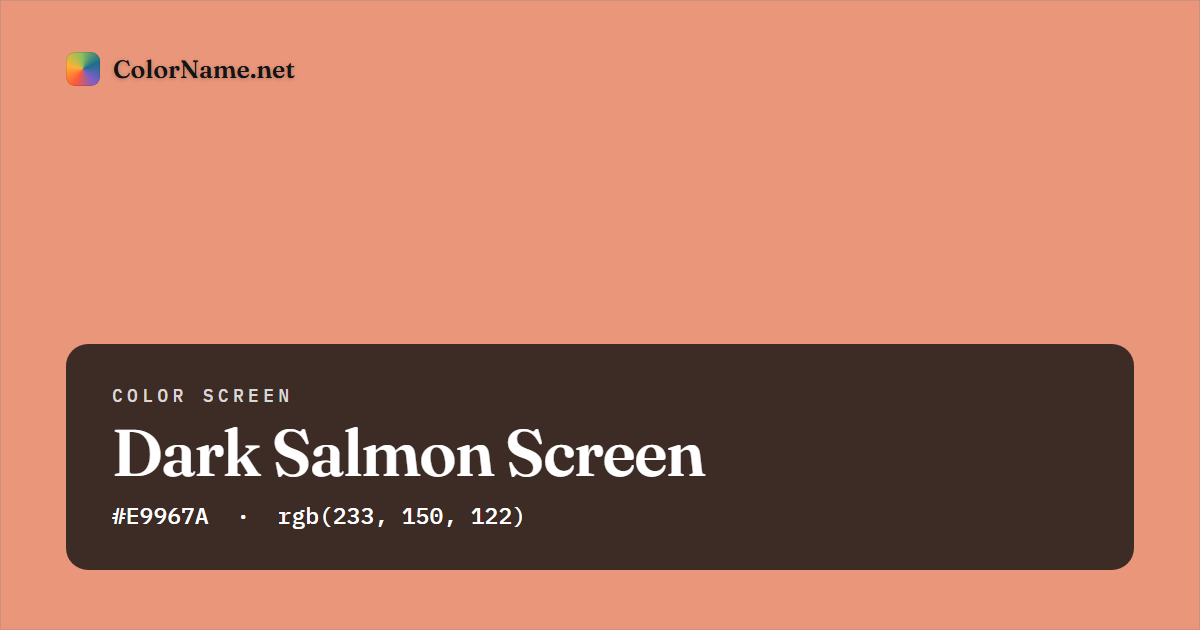
#E9967A) — this is also the preview image shown when you share the page.How to use the dark salmon screen
The color is already set to Dark Salmon (#E9967A). Tap Open full screen, or the preview, to fill your whole display with dark salmon; press Esc or tap again to exit. To keep a copy, pick a size — 1920 × 1080 for a desktop wallpaper, 1080 × 1920 for a phone or 3840 × 2160 for a 4K TV — and tap Download PNG or JPG. The file is created in your browser and saved as dark-salmon-screen-1920x1080.png, with no watermark. A flat dark salmon image compresses to a few kilobytes even at 4K.
Every resolution, aspect ratio and device tip (phones, TVs, projectors, second monitors) is in the full color screen guide.
Dark Salmon screen color codes
The full-screen color and every download use exactly these values. Tap any row to copy it.
Contrast against white text 2.31:1 · against black text 9.11:1. See the full Dark Salmon color page for harmonies, shades and tints, or open it in the color picker.
Colors that go with a dark salmon screen
Using two screens side by side, a split display or a dark salmon wallpaper with accents? These named colors sit in harmony with Dark Salmon on the color wheel:
Build a full scheme from dark salmon in the color matcher or the palette generator, or blend it into another color with the gradient creator for a gradient wallpaper.
Popular color screens
The colors people reach for most often as a full-screen background or light:
Colors similar to Dark Salmon
More red screens
Dark Salmon screen — FAQ
What is the hex code for a dark salmon screen?
A dark salmon screen uses the color Dark Salmon, hex #E9967A — rgb(233, 150, 122). The full-screen view and every download use exactly that value, and dark-salmon also works as a CSS color name.
How do I make my whole screen dark salmon?
Open this page and tap Open full screen (or tap the preview). Your browser fills the entire display with dark salmon and hides its own toolbars; press Esc or tap the screen to come back. To keep it, download it in 1080p, 4K or any size as a free PNG or JPG — no sign-up or watermark.
How bright is a dark salmon screen?
A dark salmon screen gives off about 41% of the light of a white screen at the same brightness setting, a comfortable level for ambient light. About 15% of its light is blue (a white screen is 33%), which counts as low blue light.
What color text is easiest to read on a dark salmon screen?
Black text, with a contrast ratio of 9.1:1, which passes the WCAG guideline for normal text. Check any other pairing in the contrast checker.