
Camel Screen
A full-screen solid camel color (#C19A6B). Fill your whole display, or download the camel screen as an image in 480p, 720p, 1080p, 1440p, 4K or any size you type in.
Advanced — print resolution (DPI)
What is a camel screen?
A camel screen is simply a web page filled edge to edge with one solid color — Camel, hex #C19A6B, or rgb(193, 154, 107). It is a light, warm color: in HSL it sits at 33° hue, 41% saturation and 59% lightness, and its relative luminance is 35.5%. The closest standard CSS color is Peru (#CD853F).
Camel screen at a glance
How a full-screen camel (#C19A6B) behaves as a light, a test pattern and a background — measured from the color itself.
| Brightness | 36% of a white screen | A medium light level — comfortable as ambient light. |
|---|---|---|
| Blue light | low (15% of its light) | Less blue than a white screen (33%). |
| Night use | Better for daytime | For a night light, turn the brightness down or choose a warmer screen such as red or orange. |
| Text on it | Black text · 8.1:1 | Excellent contrast for captions or signs (WCAG AAA). |
| Display test | Mixed sub-pixel levels | Good for spotting uneven backlight, banding and tint across the panel. |
What people use a camel screen for
Brown screens produce a warm, low-key neutral wash that works as a cozy ambient light, a muted backdrop for still-life photography, or a calm placeholder colour for signage and mock-ups. Being a dark, desaturated orange, brown keeps blue light low.
As a test pattern, a flat camel field makes a dead or stuck pixel jump out, and it exercises the red and green sub-pixels.
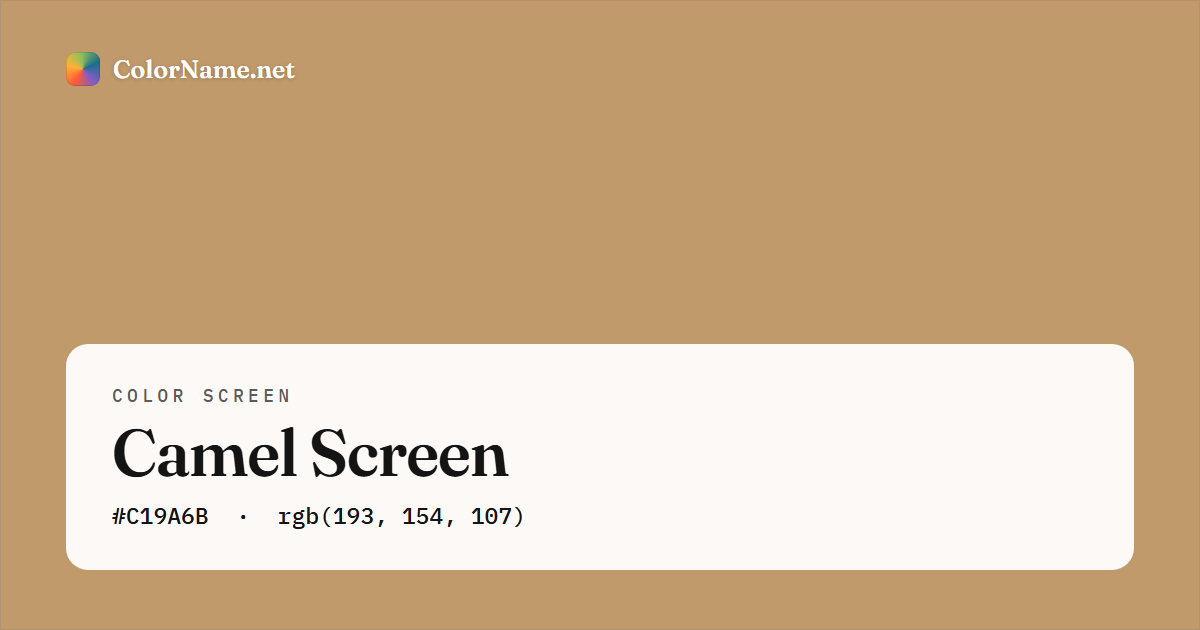
#C19A6B) — this is also the preview image shown when you share the page.How to use the camel screen
The color is already set to Camel (#C19A6B). Tap Open full screen, or the preview, to fill your whole display with camel; press Esc or tap again to exit. To keep a copy, pick a size — 1920 × 1080 for a desktop wallpaper, 1080 × 1920 for a phone or 3840 × 2160 for a 4K TV — and tap Download PNG or JPG. The file is created in your browser and saved as camel-screen-1920x1080.png, with no watermark. A flat camel image compresses to a few kilobytes even at 4K.
Every resolution, aspect ratio and device tip (phones, TVs, projectors, second monitors) is in the full color screen guide.
Camel screen color codes
The full-screen color and every download use exactly these values. Tap any row to copy it.
Contrast against white text 2.59:1 · against black text 8.10:1. See the full Camel color page for harmonies, shades and tints, or open it in the color picker.
Colors that go with a camel screen
Using two screens side by side, a split display or a camel wallpaper with accents? These named colors sit in harmony with Camel on the color wheel:
Build a full scheme from camel in the color matcher or the palette generator, or blend it into another color with the gradient creator for a gradient wallpaper.
Popular color screens
The colors people reach for most often as a full-screen background or light:
Colors similar to Camel
More brown screens
Camel screen — FAQ
What is the hex code for a camel screen?
A camel screen uses the color Camel, hex #C19A6B — rgb(193, 154, 107). The full-screen view and every download use exactly that value. The nearest standard CSS name is Peru (#CD853F).
How do I make my whole screen camel?
Open this page and tap Open full screen (or tap the preview). Your browser fills the entire display with camel and hides its own toolbars; press Esc or tap the screen to come back. To keep it, download it in 1080p, 4K or any size as a free PNG or JPG — no sign-up or watermark.
How bright is a camel screen?
A camel screen gives off about 36% of the light of a white screen at the same brightness setting, a comfortable level for ambient light. About 15% of its light is blue (a white screen is 33%), which counts as low blue light.
What color text is easiest to read on a camel screen?
Black text, with a contrast ratio of 8.1:1, which passes the WCAG guideline for normal text. Check any other pairing in the contrast checker.